Event management proof of concept
Rapid prototype for AI-assisted event planning
- Role
- Product & UX Lead
- Duration
- 2 weeks, with design done in 1.5 days
- Product
- AI-assisted web application (prototype)
- Focus
- Speed, scope control, development risk reduction
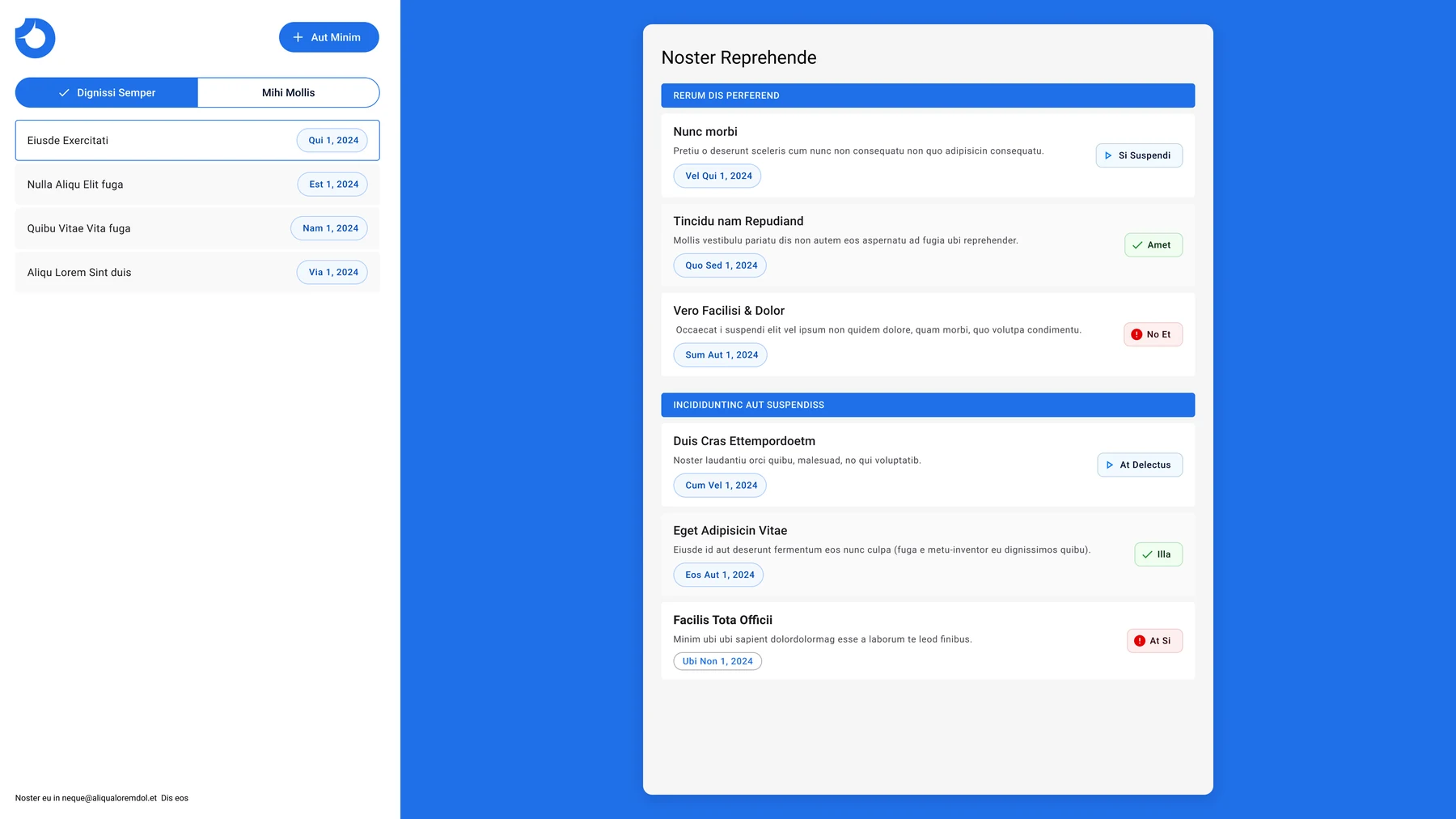
Overview
This was a working proof of concept for an AI-powered event management tool, built on a very short timeline. The idea was to use AI to generate a tailored checklist for each event from the details the user enters.
I designed and prototyped the experience, with two days set aside for design. It only worked if the scope stayed tight, decisions came fast and the design created no surprises for development.
Problem
The constraints were the problem:
- Almost no design time
- The prototype had to be realistic enough to test
- Over-design or disagreement would slow development
Any waste in design would come straight out of the delivery schedule and the budget.
Key decision
I built the whole prototype from an existing design system.
Two days of design left no time for custom components. I started from an existing Figma design system, checked the layout and the main flows with quick sketches, and got the client’s approval the same day. Every screen stayed inside what development already knew how to build.
Approach
Speed came from discipline:
- Started from an existing Figma design system, so no time went on components
- Used quick concept sketches to check layout and core flows
- Got client approval the same day, so there was no drawn-out iteration
- Kept every screen inside known development constraints
I prototyped the main workflows, including creating and filtering events, to check usability quickly.
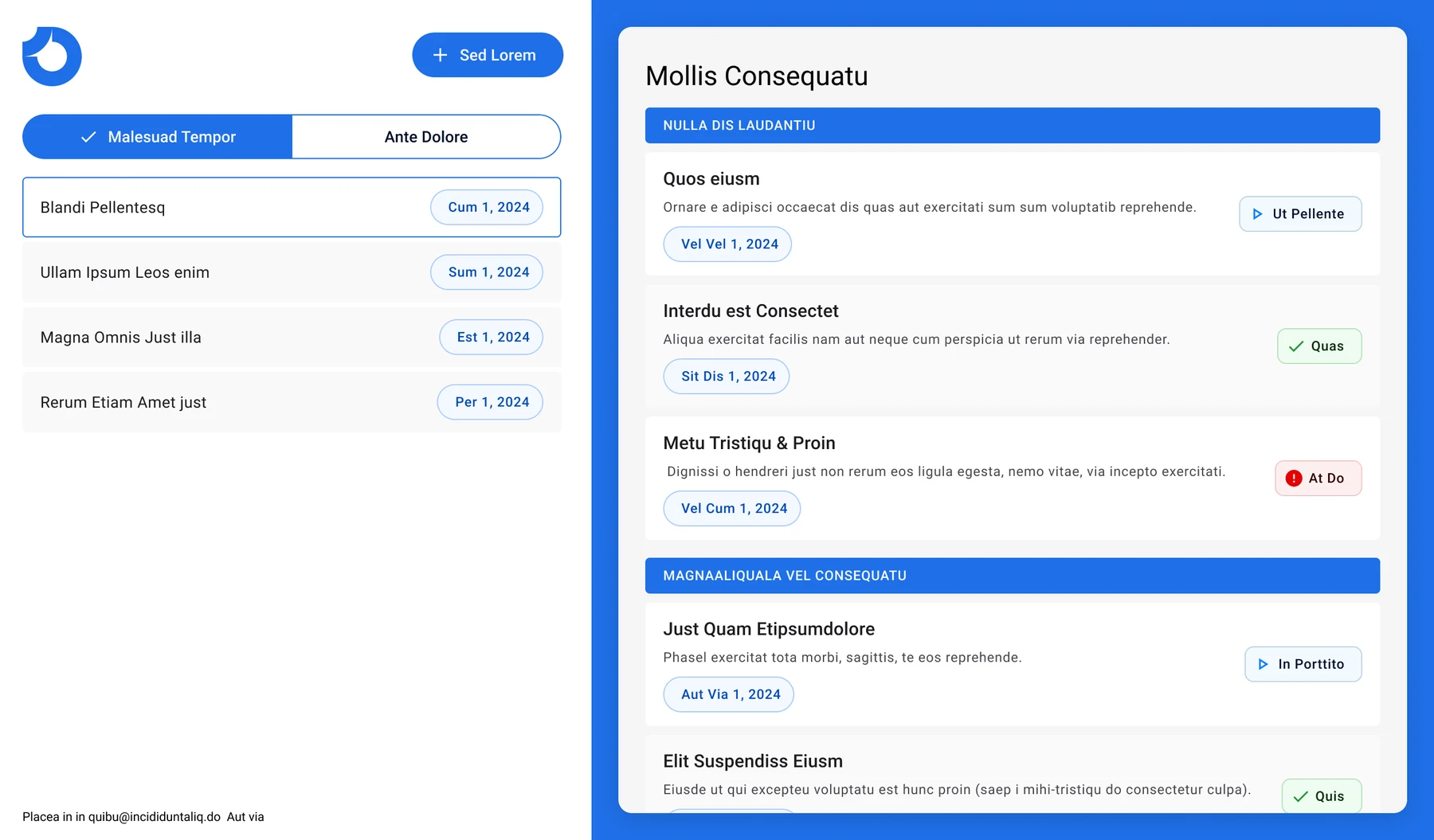
Solution
A fully working prototype, delivered on time and under budget.
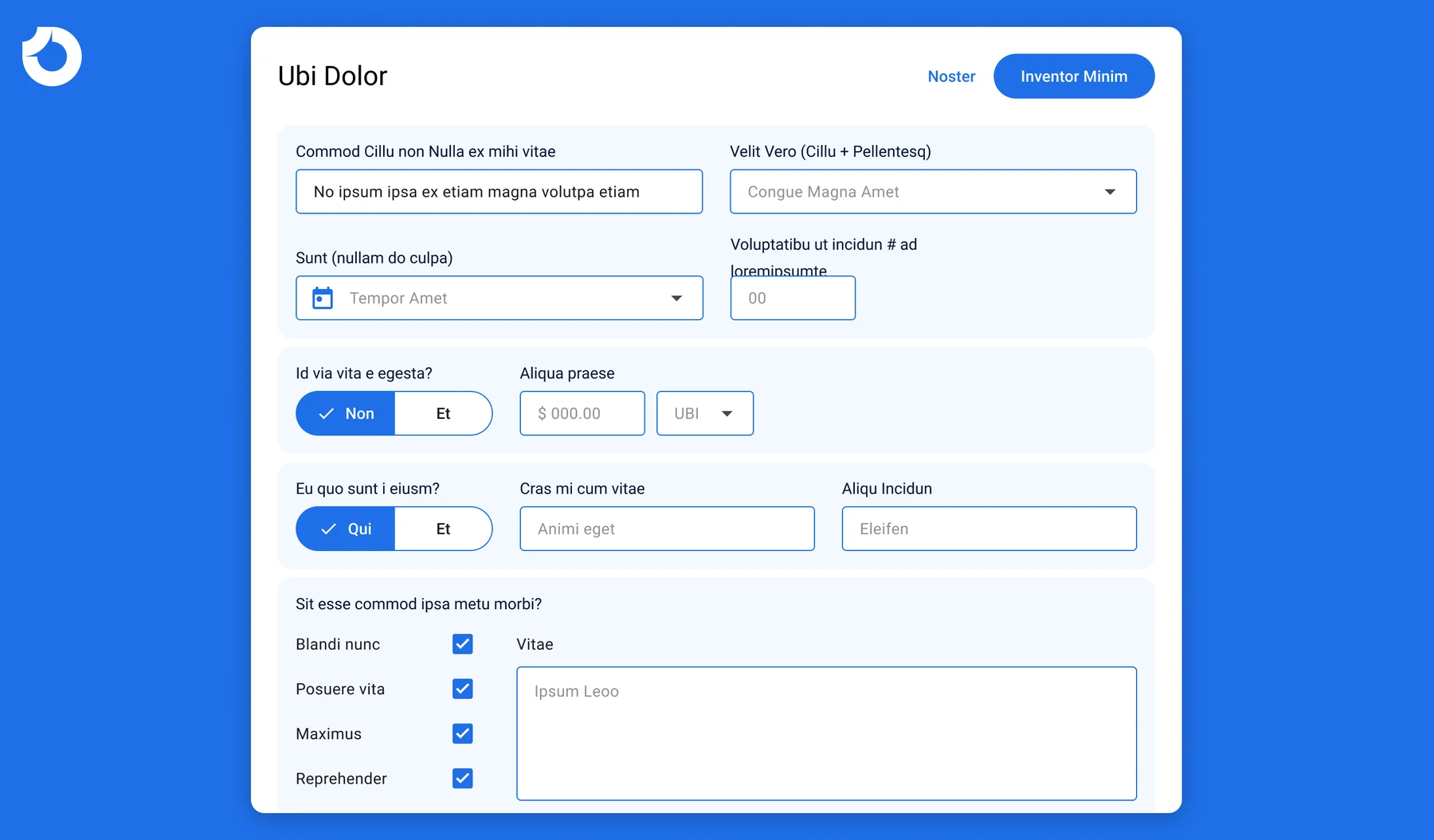
AI-powered event creation
The prototype showed:
- Checklists generated from what the user enters
- Forms built to match the existing design system
- Clear flows for creating and managing events
- Realistic interactions for testing usability assumptions
The design stayed on the core function. Nothing extra got in.
Outcome
- Design took 1.5 of the two days allocated, and the spare time went to development
- The prototype was delivered on time and under budget
- Building on an existing component system kept development risk low
Discuss this case study with you?
I'd be happy to walk through this project in more detail and discuss how this approach might apply to your needs.